





AI creative suite for creators, marketers, and e-commerce teams

One platform tocreate with AI

Generate images, edit photos with text prompts, remove backgrounds, create AI headshots, and launch polished content from one streamlined workspace built for modern visual teams.

One AI creative suite, built around your workflow

Create images, edit photos, and ship polished assets without juggling separate tools.

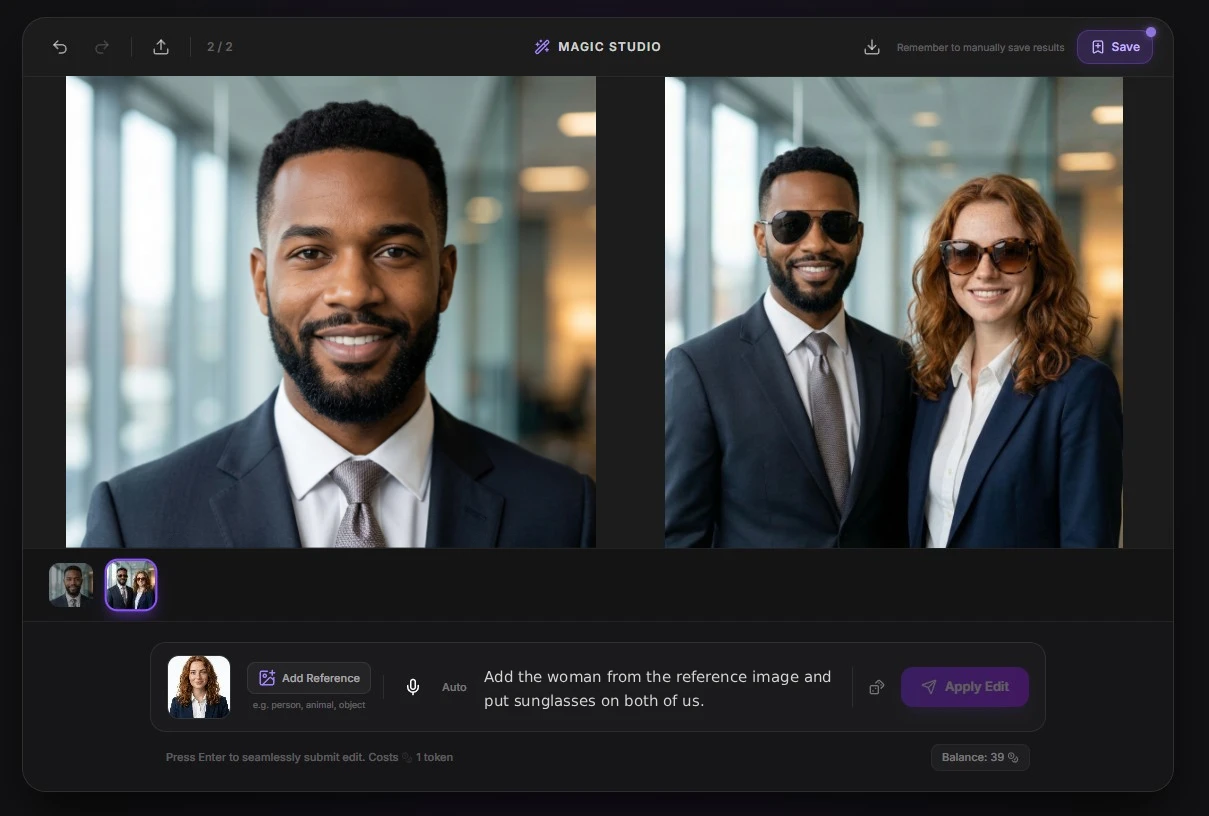
Magic Studio

Edit photos with natural language prompts, update lighting, replace objects, and reshape visuals inside an AI photo editor designed for fast iteration. Skip manual masking and layer work — describe the change you want and let the AI handle the rest.

Open the AI photo editor
AI photo editor interface showing prompt-based image editing tools

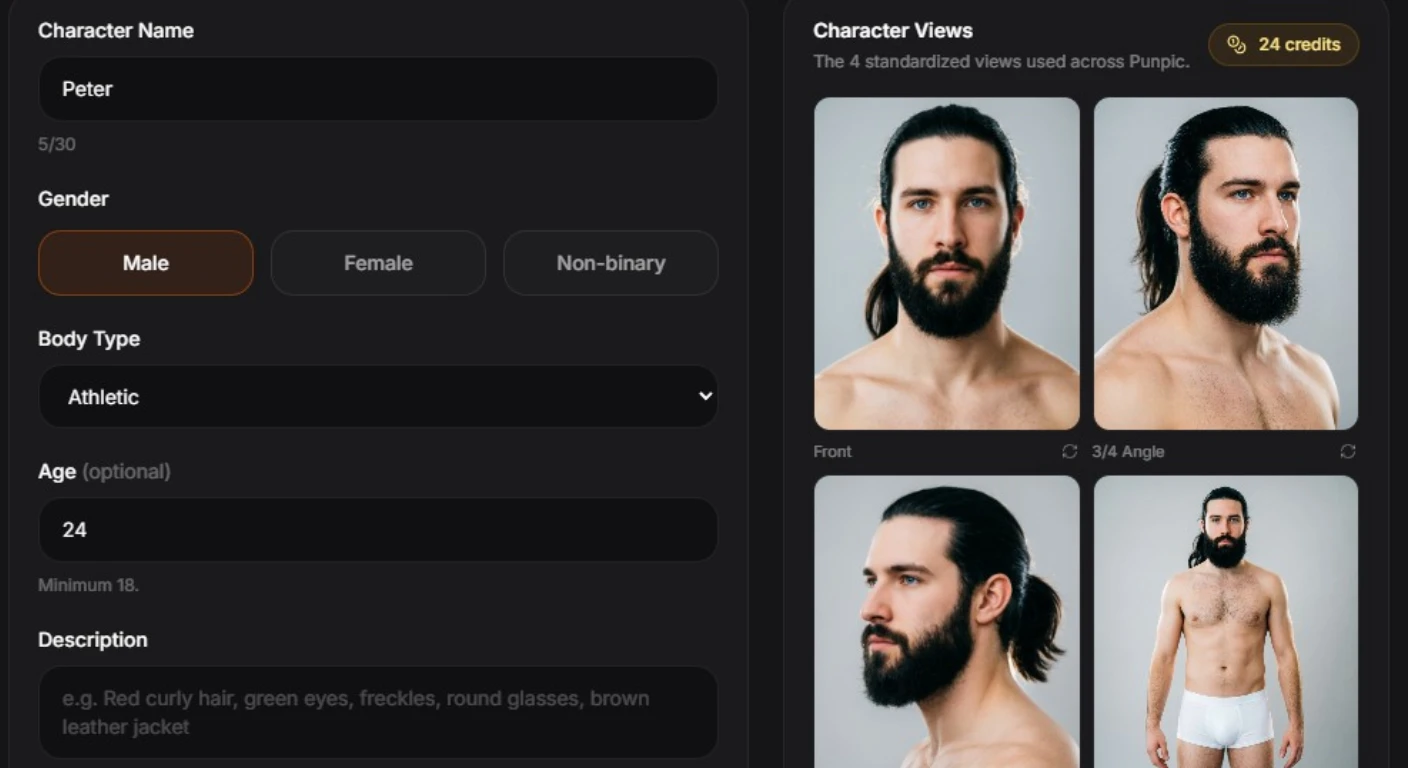
Image Generation

Turn ideas into polished visuals with an AI image generator that supports detailed prompts, reference images, and high-definition outputs for creative campaigns. Perfect for social posts, ad creatives, blog headers, and any project that needs original artwork fast.

Open the AI image generator
AI image generator interface creating visuals from text prompts

AI Headshots

Turn casual selfies into professional AI headshots for LinkedIn, resumes, team pages, and business profiles without booking a photoshoot. Upload one photo and receive studio-quality portraits in minutes, not days.

Create AI headshots
AI headshot generator preview for professional profile photos

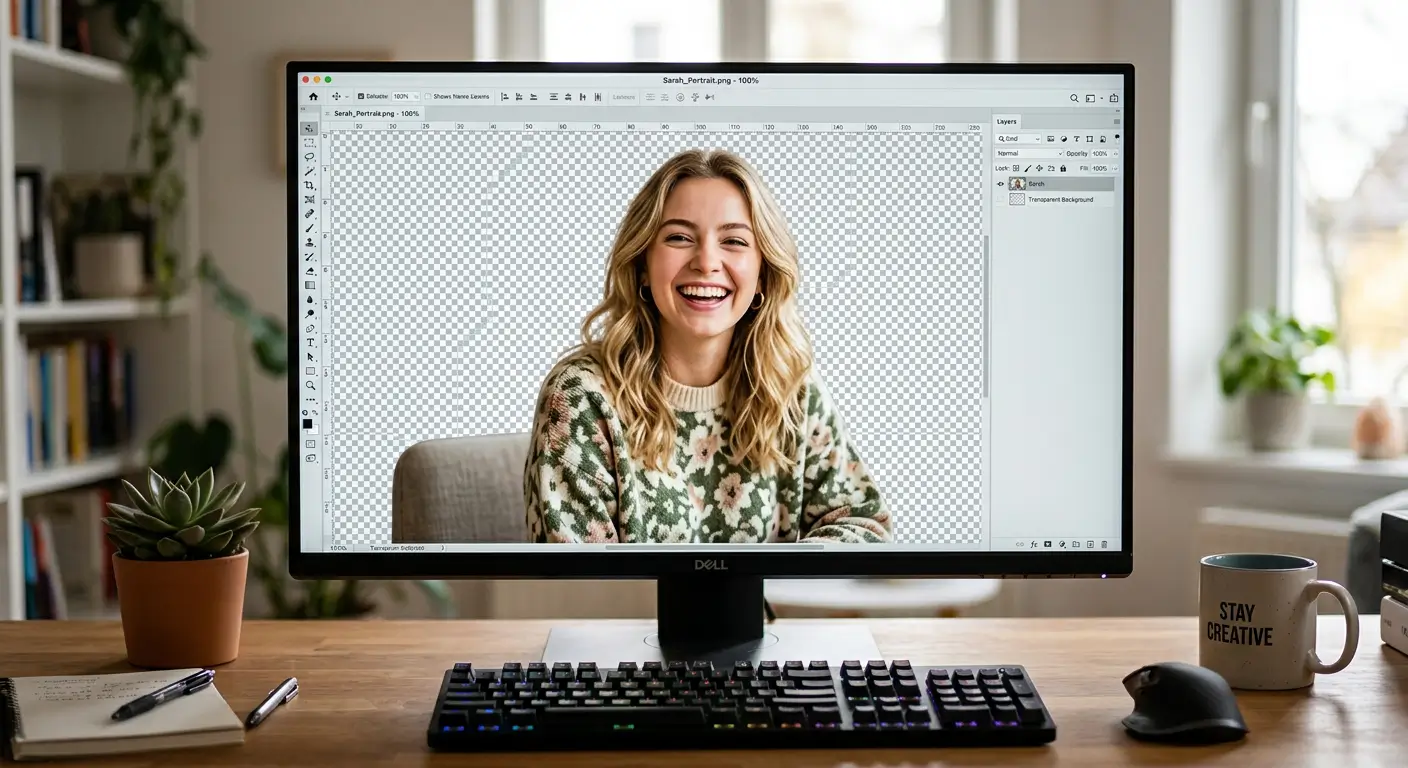
Background Removal

Remove backgrounds from portraits and product photos with clean cutouts that are ready for marketplaces, ads, and branded creative. Get transparent PNGs in one click, no green screen or design software required.

Use the background remover
Background remover preview with transparent product image cutout

AI Face Swap

Create realistic face replacements for entertainment, social content, and creative mockups with an AI face swap tool that preserves lighting and proportions. Great for memes, concept previews, and trying new looks before a shoot.

Try the AI face swap tool
AI face swap tool preview with realistic face replacement result

Image to Video and Stickers

Turn still images into motion-ready clips and create shareable sticker content from the same AI creative workflow when static assets need more reach. Ideal for short-form video ads, WhatsApp stickers, and social stories that grab attention instantly.

Try image to video tools
3D sticker example created with Punpic AI sticker tools
Cartoon sticker example created with Punpic AI sticker tools

Built for real-world visual content workflows

Punpic is designed for teams that need to generate, edit, and publish visual assets quickly without building a fragmented stack around each single task.

Creators

Move from idea to publishable visuals faster with AI image generation, prompt-based editing, and template-led creative workflows.

Explore the AI image generator

Marketers

Produce campaign images, social assets, and quick variations without bouncing between separate design and editing tools.

Open the AI photo editor

E-commerce teams

Clean product photos, remove backgrounds, and build marketplace-ready visuals for listings, ads, and storefront updates.

Use the background remover

Everything you need, nothing you don't

Punpic puts image generation, photo editing, background removal, headshots, and video tools behind one login. Start free with daily credits, explore every tool openly, and upgrade only when your workload demands it.

Free to start

Daily credits make it easy to test image generation and editing before upgrading.

Public discovery

Explore templates, pricing, and company pages without hitting gated dead ends.

Why teams choose Punpic as their AI creative suite

The platform benefits behind faster visual production and cleaner creative operations.

Generate and edit visuals without switching tools

Punpic brings AI image generation, photo editing, background removal, face swap, headshots, and templates into one place. That reduces context switching for creators, trims software sprawl for smaller teams, and makes it easier to move from concept to finished asset in a single workflow.

Support product, marketing, and profile imagery from one workspace

Whether you need product cutouts for commerce, ad creatives for paid campaigns, or polished profile images for professional pages, Punpic covers the common production tasks that usually force teams into multiple single-purpose apps.

Use templates and internal workflows to scale output faster

Templates help teams reuse styles and prompts, while the platform structure makes it easier to test variations, keep output organized, and build repeatable creative processes as content demand grows.

Simple pricing for AI image generation and editing

Start free, then upgrade when you need more credits, storage, and monthly output.

Starter

$0/ forever

Best for testing the AI creative suite and building your first workflows.

2 free credits to claim daily
50 MB project storage
Access to all AI tools
Permanent credits never expire
Start for free
Most Popular

Pro

$10/ month

Built for creators, marketers, and teams that need consistent output every month.

60 fresh credits every month
250 MB generous project storage
Stack permanent and daily credits
Subscription credits used first
Upgrade to Pro

Need more generations?

Add credit packages on demand when you need more image generation, editing, or video output without changing your subscription.

View pricing and credit packages

Frequently Asked Questions

Is Punpic free to use?+
Yes. You can create a free account and claim daily credits to test the AI image generator, photo editor, and other creative tools. Paid plans unlock more credits, storage, and faster workflows.
What can I create with Punpic?+
You can generate AI images, edit photos with text prompts, remove backgrounds, create AI headshots, swap faces, explore templates, and turn images into short videos from one workspace.
Can I use Punpic for commercial work?+
Yes. Punpic is built for creators, marketers, and businesses producing content for ads, product listings, social media, websites, and brand assets. Always review the output and any model-specific usage rules for your project.